The Playhouse
A group-based classroom quiz game where students split into teams and compete together — turning math practice into a lively, social experience.
Overview
The Playhouse is a group-based classroom quiz game developed as part of the same year-long mathematics curriculum that includes Ruth’s Shop and Muki’s Workshop — all approved by Israel’s Department of Education. But where those games are personal learning experiences played by individual students, The Playhouse is designed for the entire class at once.
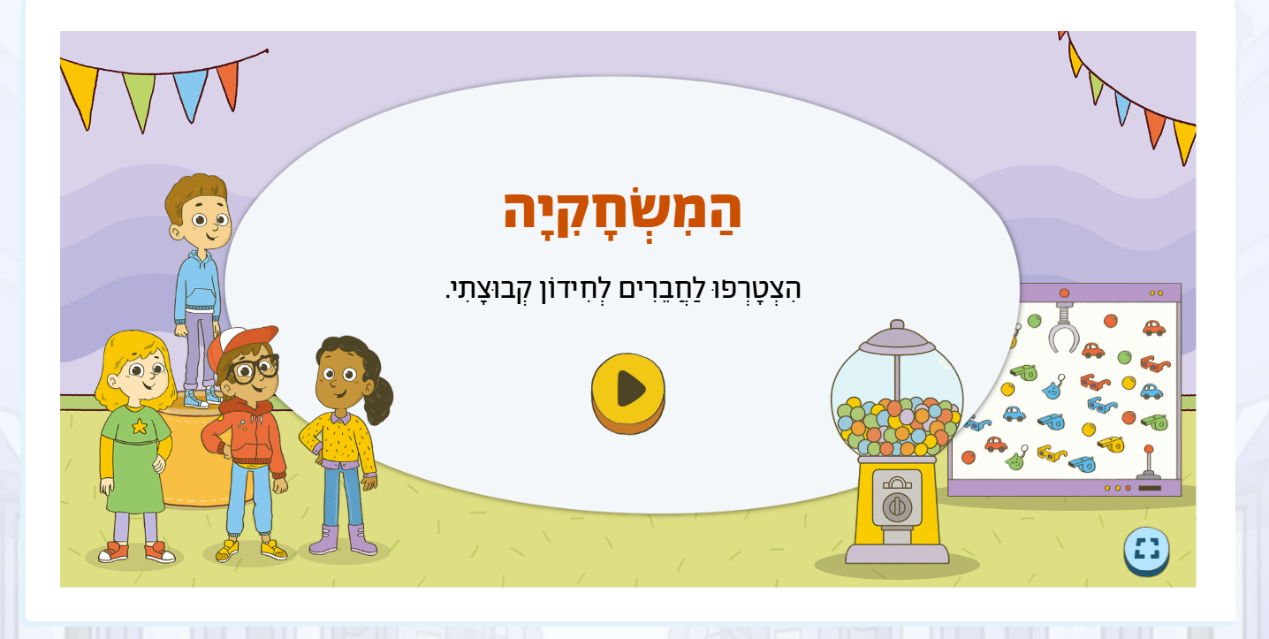
The room splits into two teams — Team A and Team B — and players choose their character at the beginning. The game is projected onto a shared screen at the front of the classroom. Teams take turns answering math questions in a quiz-show format, accumulating points and competing for the lead. The playhouse aesthetic — bunting, bright colors, game-show energy, celebratory iconography — transforms a math quiz into something closer to a carnival. It’s designed to feel like a celebration rather than a test.
My Role
I was responsible for the full design lifecycle, from narrative concept and UX flow through final screen delivery — working alongside the pedagogy team and illustrator Aviel Basil.
Screen design & UX flow. I designed every screen in the game: the welcome sequence, the team selection setup, the quiz board, the scoring displays, and the feedback states between turns. The key UX challenge here was different from the personal games — this interface isn’t operated by a student, it’s operated by the teacher and projected for the whole class. That means every element needed to read clearly from the back of a room, with no ambiguity about whose turn it is, what the score is, and what happens next.
Creative concept & playhouse framing. The “playhouse” frame was a deliberate departure from the quieter, more personal atmosphere of the other games in the series. I wanted this game to feel like an event — something the class gets excited about before it begins. I developed the visual vocabulary of the space: the party bunting, the team pedestals, the carnival-booth aesthetic, the gumball machines and prize boards on the welcome screen. These aren’t decorative choices — they signal to students that something social and festive is about to happen.
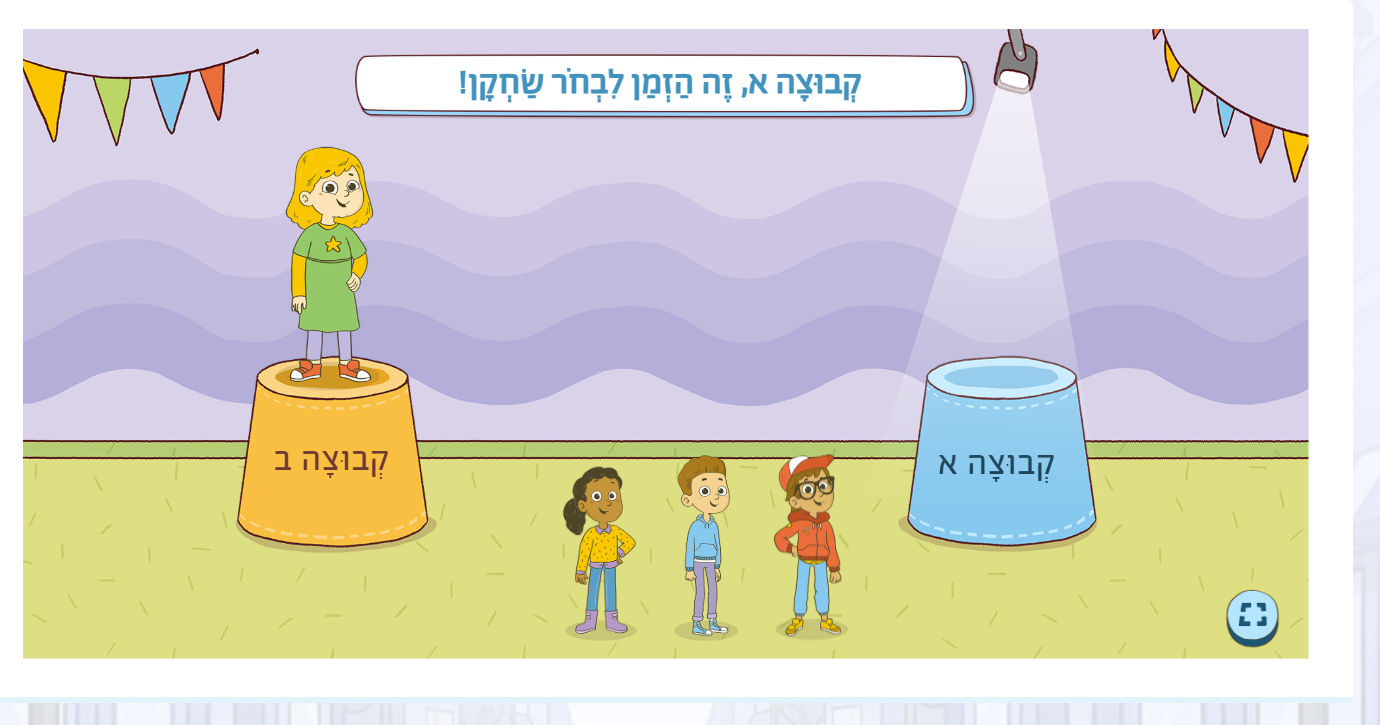
Art direction. I directed illustrator Aviel Basil on the party aesthetic — specifying the team pedestals, the crowd scenes, and the celebratory atmosphere throughout. Each scene required close collaboration on character placement, color balance, and how to communicate team identity through visual cues alone.
Pedagogy collaboration. Working with the group quiz format introduced new pedagogical questions that didn’t arise with the personal games: How competitive should the scoring feel? What keeps the students who aren’t actively answering engaged? How do you design for moments when a team is falling behind without it becoming discouraging? I worked through all of these with the pedagogy team, using the interaction design to reinforce the right social dynamics — keeping all students involved, making turns feel quick and fair, and ensuring the competitive element motivates rather than deflates.
Group Dynamics
The Playhouse is designed around the classroom as a shared space, not individual devices. The teacher facilitates and controls the pace; students respond as a group. This changes everything about the interaction model.
The team setup screen is one of the most important in the game — it establishes the two groups, assigns each team its color and character representative, and creates the sense of identity before the competition begins. Keeping the interface fully readable for someone standing at a distance while remaining visually engaging for students seated across the room was a core constraint on every design decision.
Between turns, the game maintains engagement by keeping the score visible and framing transitions as moments of anticipation rather than waiting. Students who aren’t answering are still watching, reading the question, forming their own opinion — which means the learning is happening even when it’s not your turn.

Key Screens
The game spans several distinct contexts: the opening welcome, team setup, and the main quiz interaction. Each question is displayed on a large game board with a countdown timer, answer options, and the team scores visible at all times.
